



Winbeatz App
The Winbeatz app is our app-style way to play on both mobile and desktop. It opens in a dedicated window and keeps the experience focused on the casino session. Use your regular Win Beatz login to access the lobby and the cashier without changing how you navigate.


How to Install the Winbeatz App on Any Device
All you need is your browser menu and one short action: add Winbeatz as an icon. The next steps show where that option sits on each device.
- Open Winbeatz Casino in Safari if you use iOS. If you use Android, start in Chrome.
- On iOS, open the Share menu. On Android, open the three-dot menu.
- Then select “Add to Home Screen” and confirm. Your device places a Win Beatz icon on the screen.
- Use that icon to launch Winbeatz.
For Mac or Windows, open Winbeatz in Chrome or Edge and select “Install” or “Create shortcut”. This adds a desktop icon that opens Win Beatz in its own window.
Mobile Application for iOS
On iPhone and iPad, the Winbeatz app opens from a home screen icon and runs in its own window. When you leave a game to browse, the lobby stays in that same window. The layout stays familiar across the platform, so moving between game categories feels straightforward during a session.
iOS tends to run best in a standard Safari session, especially if you use strict content blockers or private browsing. If a game loads slowly or a page does not open as expected, those settings often play a role. Live tables also depend more on a steady connection, so switching to a stable network can make the difference during real-time play.
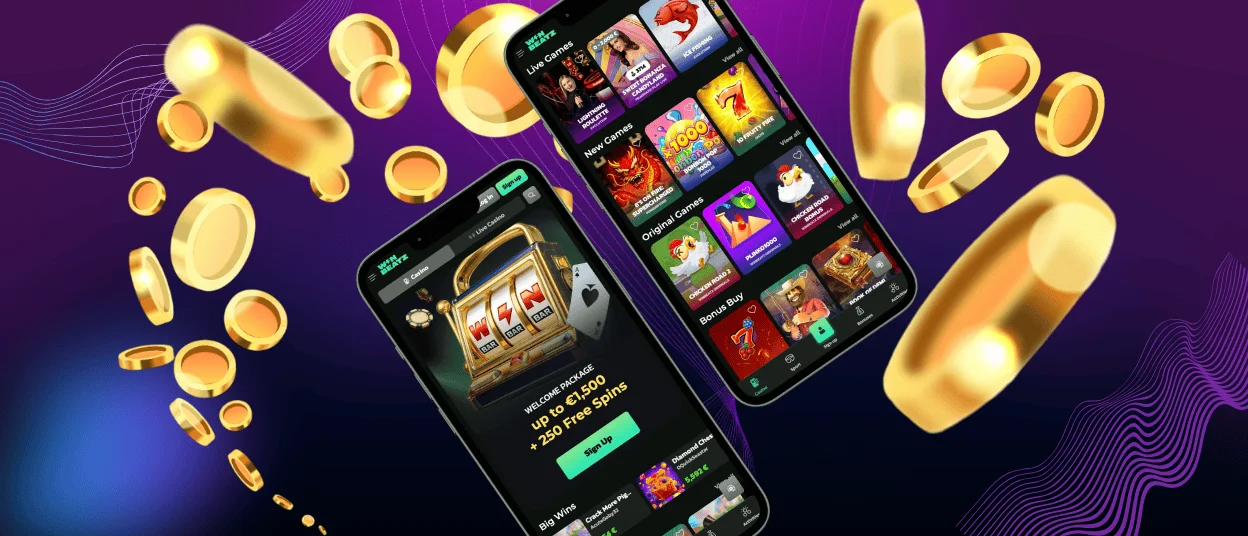
Winbeatz App for Android
Android users get the same app-style approach through the PWA format, and the day-to-day experience stays straightforward. You launch Win Beatz from the icon, then the session runs in an app-like window that feels more focused than a standard browser tab.
Some users search for Winbeatz APK, but you do not need it here. The PWA gives you the same app-style entry without a separate installation file, and you keep access to the full platform through the shortcut.
Android also gives players practical control over their setup. Move the Winbeatz Casino icon to any spot you like on your home screen. When you change devices, you add the shortcut again the same way.
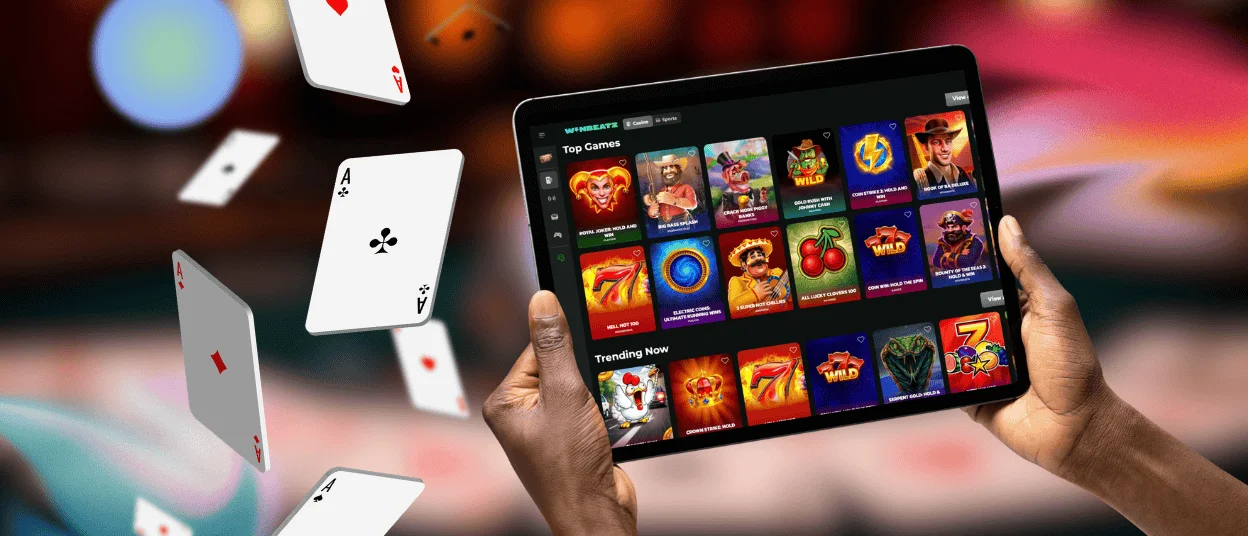
Play Winbeatz Casino on Mac or Windows
A desktop shortcut works best when you want Winbeatz Casino in a dedicated space. Instead of mixing the casino session into everyday browsing, you open it in its own window and keep it easy to find.
Desktop play also makes browsing more comfortable. Players often compare titles, switch categories, and move between slots and live tables, and a larger screen gives more room for that. The key benefit stays practical: you keep a clear path back to the lobby during the day, without digging through tabs.
Benefits and Features of the Winbeatz App
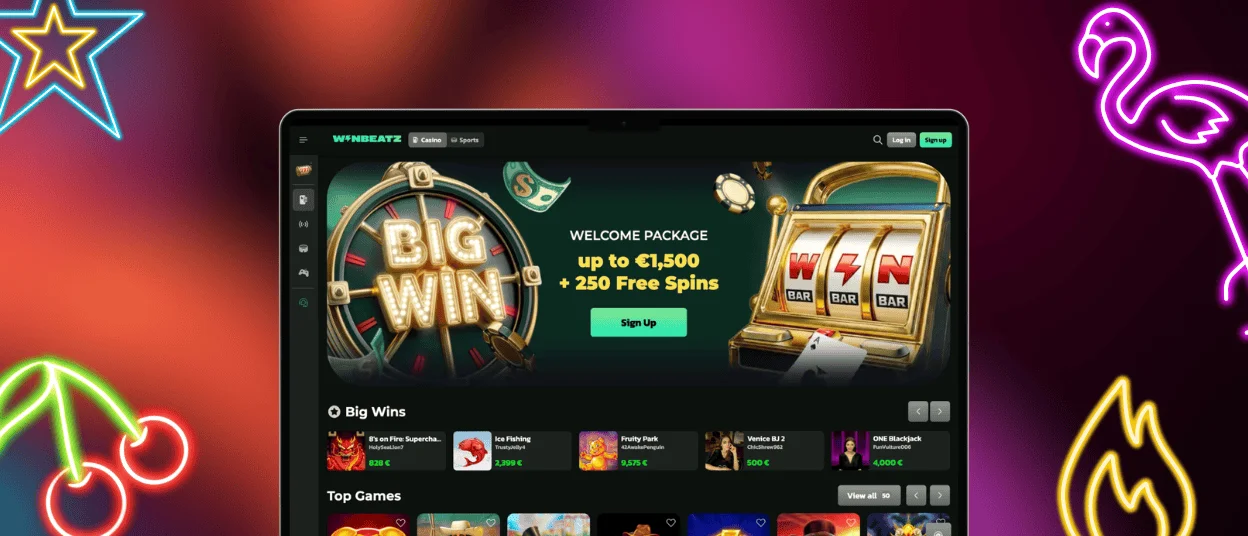
The Winbeatz app does not change what you can access on our platform. It improves how quickly you reach it and how clean the session feels on your device. You get a direct entry point, a focused window, and a consistent layout across screens.
| App Feature | Details |
| One-tap access across devices | You open Winbeatz Casino from a single icon on mobile or desktop and go straight to the lobby. |
| App-style window | The session runs in a clean window and stays more focused than a standard browser tab. |
| Full lobby inside the app with more than 6,000 games | You browse the same game library through the app session, with the same categories and navigation flow. |
| Promotions and activity features in one session | Bonuses, missions, tournaments, and other activity features stay reachable in the same session, so progress checks take less effort. |
| Account, Cashier, and support in one flow | You manage payments and account details and reach support through live chat or email without leaving the session. |
| No separate install files | You avoid store installs and standalone installers because the app runs through the shortcut and updates through the platform. |
We built Win Beatz for different playing styles, from quick slot sessions to longer table play, and the app format keeps the path between those modes simple. New players also see a welcome offer featured on the platform, and regular promotions support ongoing play without changing how you access the casino.
FAQ
Do I need to reinstall the Winbeatz app after a phone or browser update?
No. You can keep using the same shortcut after updates. If it opens a blank page, remove the icon and add it again from the browser menu.
I don’t see “Add to Home Screen.” What should I check?
On iOS, use Safari. On Android, use Chrome. Private browsing and strict browser restrictions can hide the option, so try a regular browsing session.
The icon opens Win Beatz in a normal tab, not the app window. Why?
This usually comes from browser settings or how the shortcut was saved. Remove the icon and add it again from the browser menu, then launch Winbeatz Casino from the new shortcut.
I received the message “Player already connected.” What does it mean?
Another active session is still open on a different device or in another window. Close other sessions and log in again. If it keeps repeating, change your password.
The Cashier will not open and I see a pop-up blocker message.
Some cashier steps open a separate window. Allow pop-ups for Winbeatz Casino in your browser settings, then try the cashier again.
How do I remove the Winbeatz app from my device?
Delete the icon like any other shortcut. Your account stays active, and you can add the shortcut again at any time.


